
Why trust this site

See the scoring framework, criteria weights, and where testing is live vs synthetic.
How we evaluate tools
GoogleWhisk
vs
MicrosoftMicrosoft Designer

Head-to-head comparison

Whisk vs Microsoft Designer

Choose Whisk for image remixing, visual ideation, fast composition from references. Choose Microsoft Designer for everyday design tasks, social graphics, quick ai visuals inside microsoft workflows.

Strongest angleWhisk: Value
Counter-strengthMicrosoft Designer: Value
Starting pointFree vs Free
Value readPricing needs manual verification

Visual Overview

See both options before reading the deeper tradeoffs.
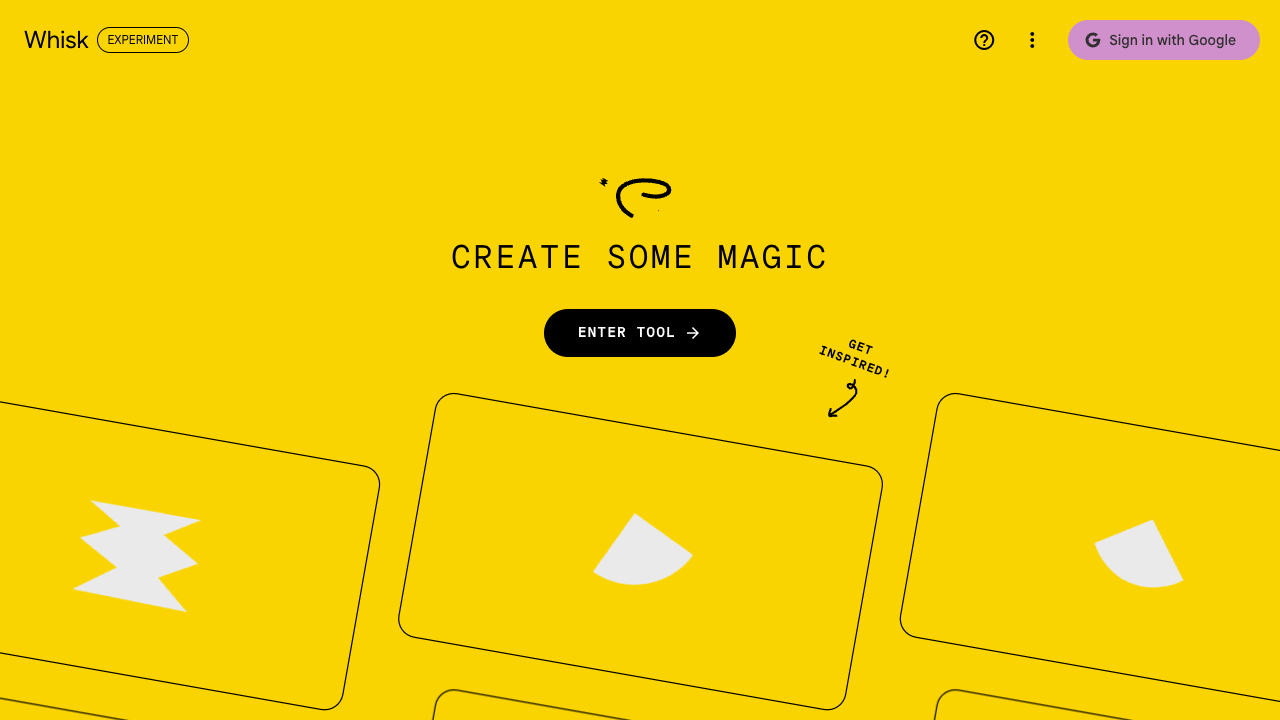
AI Image Generation
Whisk
WhiskGoogle

Image remixing, visual ideation, fast composition from references
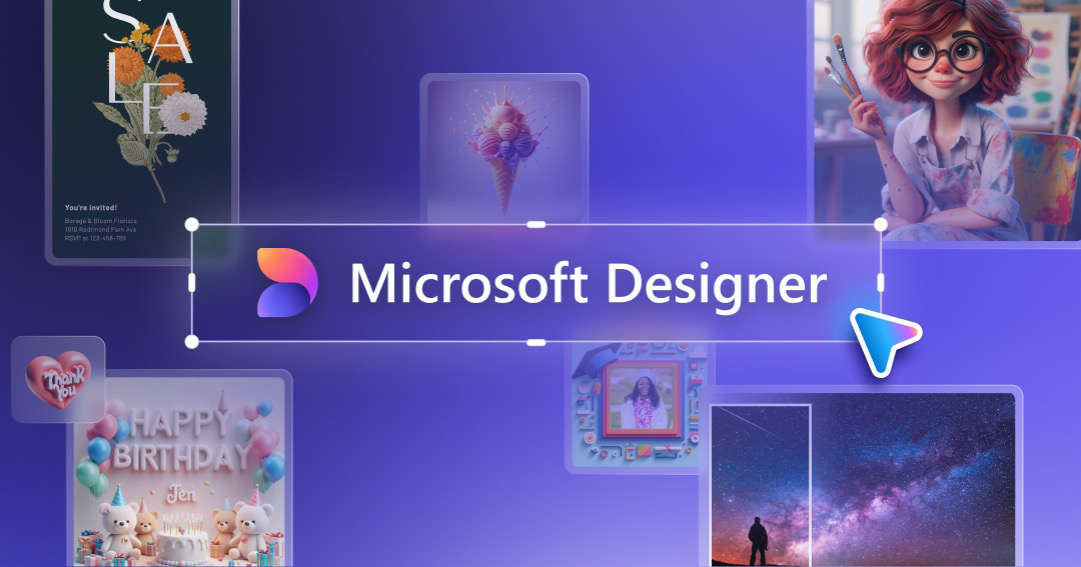
Microsoft Designer
Microsoft DesignerMicrosoft

Everyday design tasks, social graphics, quick AI visuals inside Microsoft workflows

Our Verdict

Who should choose Whisk vs Microsoft Designer?

Choose Whisk for image remixing, visual ideation, fast composition from references. Choose Microsoft Designer for everyday design tasks, social graphics, quick ai visuals inside microsoft workflows.

Best forWhisk for image remixing, visual ideation, fast composition from references | Microsoft Designer for everyday design tasks, social graphics, quick ai visuals inside microsoft workflows
Not ideal forNarrower than more full-featured commercial image suites | Less specialized than stronger image-first creative tools
If you want image remixing, visual ideation, fast composition from references -> choose Whisk.

Whisk is the better pick when that outcome matters more than breadth or familiarity.

If you want everyday design tasks, social graphics, quick ai visuals inside microsoft workflows -> choose Microsoft Designer.

Microsoft Designer is the stronger option when that goal matters more than Whisk's main advantage.

Decision Summary

What matters most in Whisk vs Microsoft Designer.

Use this section to scan the winner split, the main tradeoff, and the next useful click if neither option is clean enough.

Fast scan5 points
Main buyer mistake

The wrong move is forcing both products into the same job. This page only gets useful once the workflow split is clear.

If neither one fits

ImageFX is the first nearby alternative to inspect when both finalists feel compromised.

Next comparison worth opening

Midjourney vs DALL-E is the next useful head-to-head if this decision opens up into a wider shortlist.

Weakest tradeoff to inspect

Microsoft Designer looks most vulnerable on control, so that is the first metric to pressure-test before you treat it as the safer long-term fit.

At A Glance

See which one fits you better: Whisk or Microsoft Designer.

Each card answers the same decision questions: what the tool is best for, where it is strongest, where to be careful, and when to pick it over the other option.

Whisk
Promptless Image Remix Tool

Whisk

Whisk is Google's image remix tool for users who would rather steer generation with reference images and ingredients than type long prompts from scratch.

Starting priceFree
Best forImage remixing, visual ideation
Strongest edgeValue
Best uses
  • Image remixing
  • Reference-based generation
  • Scene mixing
  • Image remixing, visual ideation, fast composition from references
Strengths
  • Lower-friction than writing long prompts for some users
  • Useful for image-based ideation and reference mixing
  • Simple entry point into visual experimentation
  • Better fit for image remixing, visual ideation, fast composition from references
Watch outs
  • Narrower than more full-featured commercial image suites
  • Labs positioning means lighter team and enterprise framing
  • Pressure-test control before choosing
Pro tip

Choose Whisk when your team thinks visually and wants to remix references instead of prompt-crafting from scratch.

Microsoft Designer
Consumer Design Generator

Microsoft Designer

Microsoft Designer is a design-oriented AI product for users who want quick visuals, social assets, and branded layouts without moving into a heavier creative suite.

Starting priceFree
Best forEveryday design tasks, social graphics
Strongest edgeValue
Best uses
  • Image generation
  • Design layouts
  • Social graphics
  • Everyday design tasks, social graphics, quick AI visuals inside Microsoft workflows
Strengths
  • Practical for quick social and marketing assets
  • Accessible for non-design specialists
  • Natural fit for users already inside Microsoft's consumer ecosystem
  • Better fit for everyday design tasks, social graphics, quick ai visuals inside microsoft workflows
Watch outs
  • Less specialized than stronger image-first creative tools
  • Advanced design teams may outgrow its control surface quickly
  • Pressure-test control before choosing
Pro tip

Choose Microsoft Designer when the goal is fast everyday design output rather than maximum creative control.

Quick Winners

The fastest way to decide what each option wins at.

These cards answer common comparison intent immediately: overall fit, ease of adoption, value, and which product makes more sense for team usage.

Best overall

83/100

Whisk is the stronger default pick.

Whisk has the better overall score blend, so it is the safer starting point when the buyer wants the strongest all-around fit rather than a narrow edge case.

Open Whisk

Best for beginners

Starts at Free

Microsoft Designer looks easier to adopt.

Microsoft Designer reads as the friendlier choice when fast onboarding, lighter workflow friction, or broader mainstream usability matters more than maximum depth.

Open Microsoft Designer

Best value

Starts at Free

Whisk gives the stronger value signal.

Whisk is the better value read when the buyer wants stronger return on spend instead of paying extra for strengths they may never use.

Open Whisk

Best for teams

4 integrations

Microsoft Designer is better positioned for team usage.

Microsoft Designer looks stronger when shared workflows, collaboration, admin depth, or integration surface area matter more than solo-user simplicity.

Open Microsoft Designer

Why trust this comparison

How Whisk and Microsoft Designer are scored

Use the same scorecard to see where Whisk wins, where Microsoft Designer wins, and which tradeoffs matter for your shortlist.

MethodologySee the framework
Same rubric on both sidesStructured evidence tablePricing and fit checks

Verdict by Use Case

Which option makes more sense depends on what the buyer is optimizing for.

These cards compress the recommendation layer before you drop into the detailed evidence.

Choose Whisk

Recommendation

Whisk is the better fit when workflow match comes first.

Image remixing, visual ideation, fast composition from references. Its clearest case is when the buyer wants faster daily work, less friction, and strengths that keep paying off after the trial period.

Choose Microsoft Designer

Recommendation

Microsoft Designer makes more sense when its strengths match the main job to be done.

Everyday design tasks, social graphics, quick AI visuals inside Microsoft workflows. It becomes the stronger recommendation when those advantages help the buyer move faster, produce better work, or justify the spend more clearly.

How to read this

Decision lens

Start with fit, then confirm with the evidence.

The page compares normalized pricing, capabilities, metrics, and product-positioning data so the recommendation stays tied to concrete fit signals. The main pressure-test is Whisk's control versus Microsoft Designer's control.

Structured Comparison

The underlying side-by-side evidence for Whisk and Microsoft Designer.

This is the proof layer behind the summary cards above. Use it to verify pricing, platform coverage, integrations, and the exact feature differences.

Whisk

Quick summary

Free

Whisk is Google's image remix tool for users who would rather steer generation with reference images and ingredients than type long prompts from scratch.

Pros
  • Lower-friction than writing long prompts for some users
  • Useful for image-based ideation and reference mixing
  • Simple entry point into visual experimentation
Cons
  • Narrower than more full-featured commercial image suites
  • Labs positioning means lighter team and enterprise framing
  • Pressure-test control before choosing

Microsoft Designer

Quick summary

Free

Microsoft Designer is a design-oriented AI product for users who want quick visuals, social assets, and branded layouts without moving into a heavier creative suite.

Pros
  • Practical for quick social and marketing assets
  • Accessible for non-design specialists
  • Natural fit for users already inside Microsoft's consumer ecosystem
Cons
  • Less specialized than stronger image-first creative tools
  • Advanced design teams may outgrow its control surface quickly
  • Pressure-test control before choosing

Evidence Table

Feature-by-feature comparison

Whisk
Microsoft Designer
#FeatureWhiskMicrosoft Designer
1Overview
Best for
Reference-driven image remixing and ideation
Quick AI-assisted design and social assets
2
Starting price
Free
Free
3
Free plan
Included
Included
4Capabilities
Generation quality
Good for fast concepting and visual mixes
Good for mainstream marketing and social needs
5
Editing workflow
Lightweight reference-based workflow
Layout and template oriented
6
Integrations
Google Labs and image-input workflow
Microsoft account and ecosystem fit
7
API access
Not included
Not included
8Commercial usage
Platforms
Web
Web and mobile
9
Commercial rights
Subject to Google Labs terms
Subject to Microsoft terms
10
Team usage
Lightweight rather than team-first
Lightweight

Alternatives

What to look at next if neither of these products is the right fit.

If neither product is the right fit, nearby options in the same category help the user keep exploring without leaving the comparison workflow.

Final Recommendation

The final choice between Whisk and Microsoft Designer.

Choose the tool that makes the job feel easier every day. The better option depends on whether the buyer is optimizing for value, value, pricing leverage, ecosystem fit, or lower operational friction.

Choose this whenWhisk
  • Choose Whisk when value is the deciding factor and the workflow fits image remixing, visual ideation, fast composition from references.
  • It is the stronger option when its core strengths matter every day instead of only in edge cases.
  • It makes the most sense when control is a manageable tradeoff rather than a hard blocker.
Choose this whenMicrosoft Designer
  • Choose Microsoft Designer when value matters more and the workflow is closer to everyday design tasks, social graphics, quick ai visuals inside microsoft workflows.
  • It is the better fit when its main strengths solve the actual job to be done more directly.
  • It makes the most sense when control is acceptable compared with the upside elsewhere.
Bottom line

Whisk is the better choice for buyers optimizing around value, while Microsoft Designer is the better choice for buyers optimizing around value. If the fit still looks close, use pricing, platform coverage, and the weakest metric on each side as the tie-breakers.

FAQ

Common questions people ask before choosing between Whisk and Microsoft Designer.

These are the recurring buying questions behind most comparison intent: fit, strengths, pricing, tradeoffs, and which option makes more sense under different conditions.

What is the main difference between Whisk and Microsoft Designer?

Choose Whisk for image remixing, visual ideation, fast composition from references. Choose Microsoft Designer for everyday design tasks, social graphics, quick ai visuals inside microsoft workflows. In structured terms, Whisk stands out most on value, while Microsoft Designer stands out most on value. The clearest way to use this page is to decide which of those strengths actually affects the buyer's day-to-day workflow.

Which one is better for value and pricing?

Whisk starts at Free, while Microsoft Designer starts at Free. The better value still depends on the real decision should be based on what each plan unlocks, how usage scales, and whether the buyer would actually use the extra capabilities in the more expensive option.

Which product should most people choose?

There is usually no universal winner. Whisk is the stronger fit for image remixing, visual ideation, fast composition from references, while Microsoft Designer is the stronger fit for everyday design tasks, social graphics, quick ai visuals inside microsoft workflows. Most buyers should start with the product whose strengths line up more directly with their daily workflow, team shape, and non-negotiable requirements.

What tradeoffs matter most in this comparison?

The main tradeoffs are where each product is weakest relative to its strengths. For Whisk, the key area to pressure-test is control. For Microsoft Designer, it is control. The detailed table is valuable because it shows whether those weaker areas are acceptable compromises or real reasons to rule one option out.

Trust signalHuman-reviewed editorial page

Reviewed by

specly team

Editorial research team

The specly team treats comparison pages as decision pages, not feature dumps. The goal is to expose where each product wins, where it falls short, and what to open next if neither one is right.

Specly team review
Head-to-head tradeoffs
Direct next-step links