Buy this if your main need is Creator video workflows, talking videos, AI editing, social-ready outputs.
AI Video GenerationTrial available7 plans
Captions
Captions is the right tool when the real job is creator video workflows, talking videos, ai editing, social-ready outputs, not when the buyer just wants a generic all-rounder with broad claims.
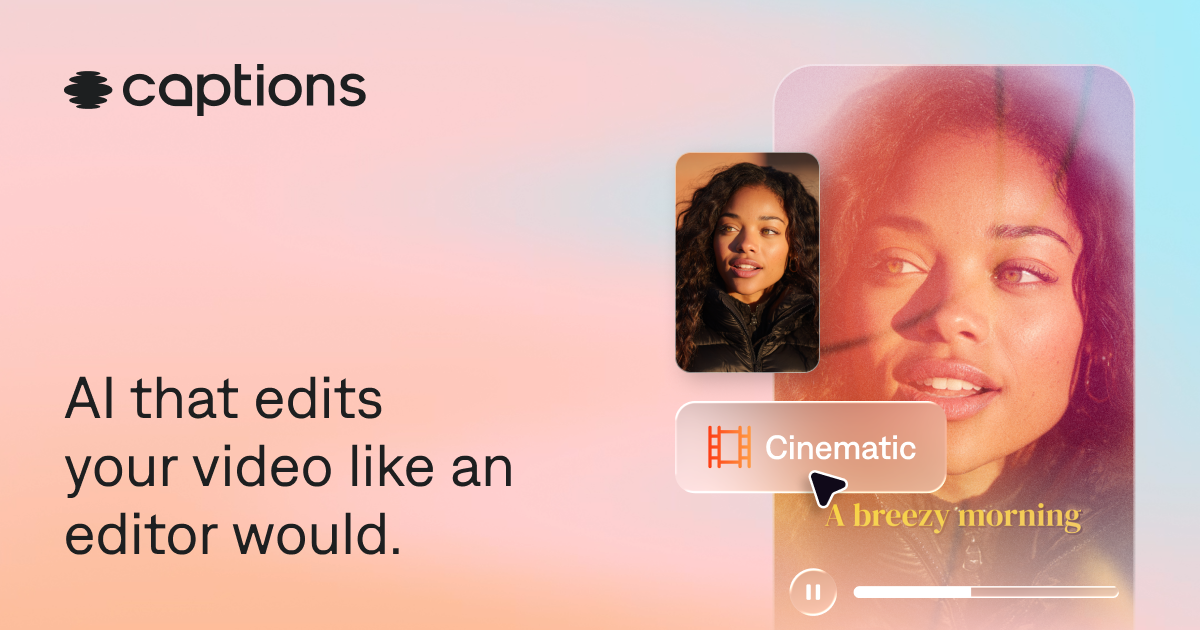
Captions blends AI generation with editing, captioning, talking videos, and creator-first workflows. It is a better fit for social and creator production than for cinematic concept generation or avatar-heavy enterprise training alone.
Starting price$9.99/month
CompanyCaptions
PlatformsWeb, iOS, Android
Best forCreator video workflows, talking videos, AI editing, social-ready outputs
Captions starts to fall apart for buyers who really need Short-form creator workflows, visual experimentation, quick AI video generation. Pika is the better-aligned option.
Captions starts at $9.99/month, but the real decision is whether the paid tier unlocks the capability level you actually need.
Editorial Score
Strong shortlist pick
Captions looks strong when the shortlist is driven by workflow fit and practical feature depth.
Output quality8.4/10
Editing workflow9.0/10
Ease of use8.8/10
Value8.3/10
Our Verdict
Who should actually buy Captions?
The real reason to shortlist Captions is not broad category appeal. It is ecosystem fit: Creator video workflows, talking videos, AI editing, social-ready outputs. Once the job becomes Short-form creator workflows, visual experimentation, quick AI video generation, Pika makes the cleaner case.
Not the strongest choice for cinematic model experimentation. That matches the weakest score in this profile: value.
Pika is the better alternative if you care more about value and need Short-form creator workflows, visual experimentation, quick AI video generation. HeyGen is the better alternative if you care more about value and need Personalized outreach, localization, quick business video, avatar-driven marketing content.
Fast Read
What matters most before you choose Captions.
Use this section as the 30-second scan before you dive into pricing, feature depth, or comparisons.
Fast scan6 points
Start hereWho this page is really for
Buy this if your main need is Creator video workflows, talking videos, AI editing, social-ready outputs.
Biggest weakness
Not the strongest choice for cinematic model experimentation. That matches the weakest score in this profile: value.
Price reality
Captions starts at $9.99/month. Buyers should decide whether the workflow fit justifies that spend before they get attached to the feature list.
Who should skip it
Captions starts to fall apart for buyers who really need Short-form creator workflows, visual experimentation, quick AI video generation. Pika is the better-aligned option.
Best alternative to check next
Runway is the first alternative to open if Captions feels like the wrong fit.
Fastest next step
Captions vs Runway is the quickest way to pressure-test this pick against a serious competitor.
Overview
Commercial profile, platform coverage, and source basis.
The essentials first: pricing structure, platform coverage, and official links behind this product record.
Take Action
Move from research to the next step.
Last updated
From $9.99/monthFree trial
External links open official vendor pages. Tracking-ready link wrappers are in place for future affiliate or outbound attribution.
Positioning, strengths, and buyer fit.
Captions is the right tool when the real job is creator video workflows, talking videos, ai editing, social-ready outputs, not when the buyer just wants a generic all-rounder with broad claims.
This page matters most for buyers who know the tool is only as good as the systems it has to live beside. Captions is strongest for buyers who will actually use its edge in editing workflow rather than just admire it in a feature list.
Why trust this page
How Captions is evaluated on specly.net
This review is based on structured product records, official pricing and platform checks, and the same evaluation criteria used across ai video generation pages.
Official pricing checksPlatform and integration reviewCategory-specific scoring
Editor Verdict
Should you shortlist Captions?
Captions is the right tool when the real job is creator video workflows, talking videos, ai editing, social-ready outputs, not when the buyer just wants a generic all-rounder with broad claims.
Last updated
Best forCreator video workflows, talking videos, AI editing, social-ready outputs
Watch for
Value is the weak side of the profile, and that is usually the detail that kills the deal after the marketing glow wears off.
Features
The core capabilities, integrations, and platforms behind Captions.
See what it does best, where it fits, and what it supports.
Capabilities
What the product is built to do best.
AI video editingCaptionsAvatarsTalking videosShort-form generationCreator publishing
Integrations
External tools and workflow surface area.
Web editorMobile appAvatarsCaptioningTalking videos
Platforms
Where the experience is available today.
WebiOSAndroid
Pricing
How Captions is packaged, priced, and tiered.
See the real plan ladder, not just the headline price.
$9.99/month
Freemium subscription
Free planLimited free access
TrialNo separate trial; free access is available with limits
Pricing pagePricing page
EntryFree
$0For trying the product before moving into heavier creator or team workflows.
Basic accessLimited usageEntry-level editingProduct evaluation
RecommendedPro
$9.99/monthFor individual creators who want the cheapest paid entry into the Captions workflow.
Paid creator accessBroader editing usageTalking-video workflowsLower-cost starting point
Max
$24.99/monthFor heavier solo usage when Pro feels too constrained for regular publishing.
Higher usage limitsMore creator throughputBroader editing capacityStronger day-to-day value
Scale
$69.99/monthFor higher-volume production and materially more generation or editing headroom.
High-volume accessBigger publishing capacityMore workflow headroomBetter fit for frequent output
Scale 2x
$119.99/monthFor teams or creators who need significantly more usage than the base Scale tier.
Expanded scale limitsHigher production throughputMore capacity than ScaleBest fit for demanding creator usage
Scale 4x
$199.99/monthFor the highest self-serve usage tier before moving into enterprise packaging.
Top self-serve tierHighest creator capacityLargest published planHeavy recurring workflow support
Enterprise
CustomFor organizations that need custom commercial terms and larger-scale deployment support.
Custom pricingEnterprise supportLarger deployment pathCommercial sales process
Pros and Cons
The main reasons to choose Captions, and the reasons to hesitate.
Once the factual profile is established, this section compresses the product into a faster strengths-and-weaknesses read for real buying decisions.
Pros
Stronger creator-editing workflow than pure generation-only video tools
Good fit for talking videos, social outputs, and publish-ready editing
Free tier plus clear paid ladder makes evaluation easier
Cons
Not the strongest choice for cinematic model experimentation
Less enterprise-training specific than avatar-first business video platforms
Decision Links
Where to go next if you want alternatives or direct comparisons.
Use these links to continue the research flow without restarting from search.
Captions vs RunwayCaptions vs HeyGenCaptions vs InVideo AICaptions vs PictoryCaptions vs SynthesiaCaptions vs SoraCaptions alternatives
RunwayAI video generation and editing for creators, production teams, and concept-to-cut workflows.HeyGenAvatar, translation, and personalized video workflows for marketing, sales, support, and training.SynthesiaBusiness video creation with AI avatars, multilingual output, and team-ready production controls.InVideo AIText-led browser video creation for marketers, publishers, and practical content teams.
FAQ
Common questions people ask before choosing Captions.
These answers summarize the issues that usually matter most in real product decisions: fit, pricing, platform coverage, integrations, and tradeoffs.
When is Captions a better pick than Runway, HeyGen, or InVideo AI?
Captions is a better pick when the buyer wants a creator-style editing surface for talking videos, short-form publishing, and practical AI-assisted edits rather than cinematic generation or formal business-avatar workflows.
Who gets the most value from Captions?
Creators, social teams, and small marketing teams get the most value because Captions is built around quick production and publish-ready edits.
What is the main tradeoff with Captions?
The tradeoff is specialization. It is strong for creator editing and talking-video workflows, but not the deepest choice for cinematic prompting or enterprise training video governance.